



Create demos and screen
in 4K quality
Add smooth zooms, mockups, customize backgrounds, camera, audio, elements, and export professional demos.
Xscreen (xscreen.app) is a screen recorder for Mac and Windows, made in Brazil. It is not XScreenSaver, not XRecorder, and not ScreenX.

Background
Wallpaper
Color
Options
Desktop

Gradients
SHOW MORE
Settings
Blur
0Padding
0Corners
25Shadow
3000:0000:00
Video
Zoom
00:0000:0000:0000:0000:00
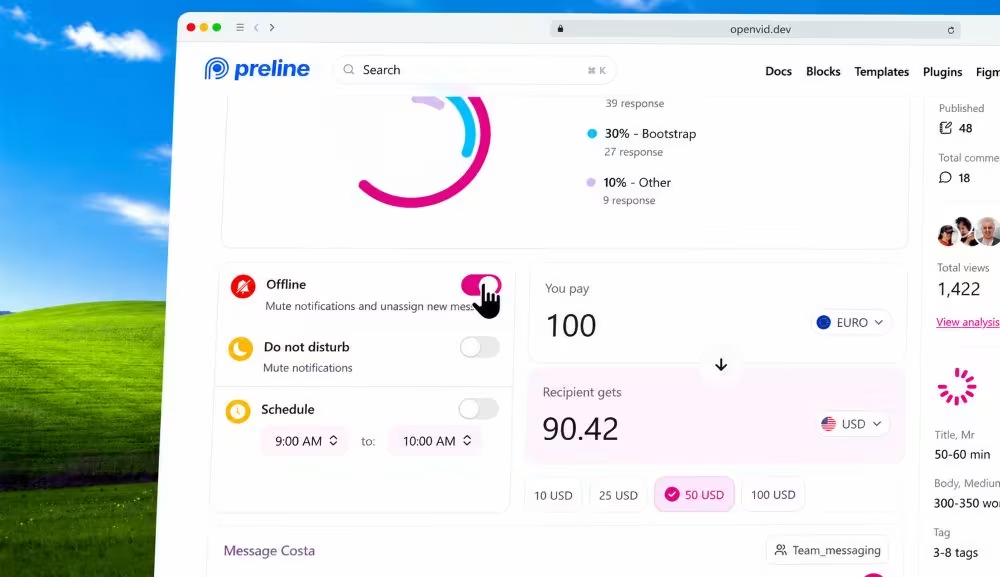
Polished video
demos created.
Watch high-fidelity screen recordings and cinematic clips generated by our community.
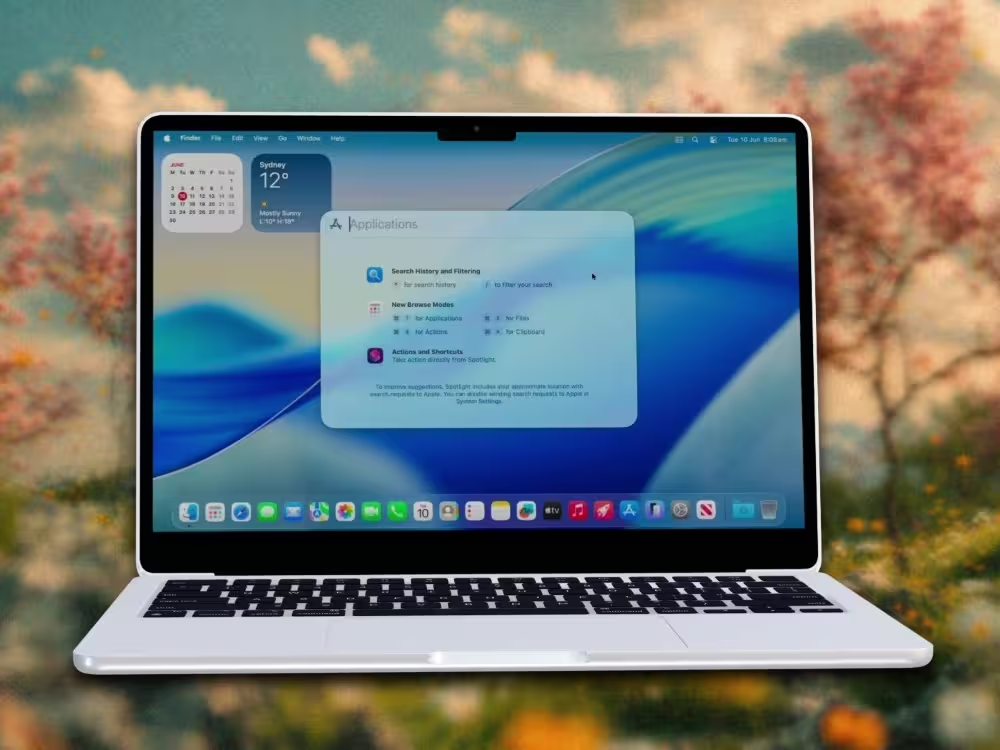
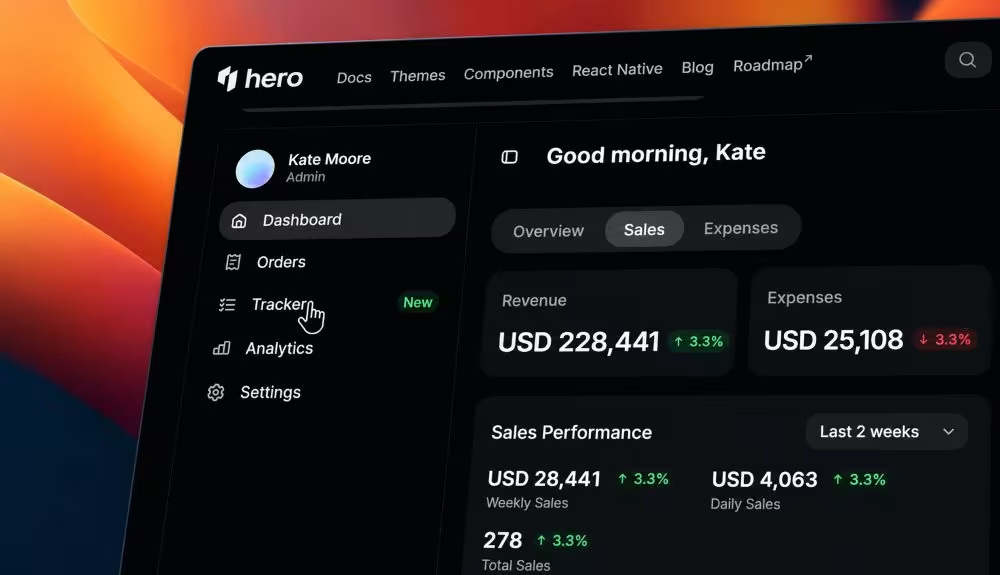
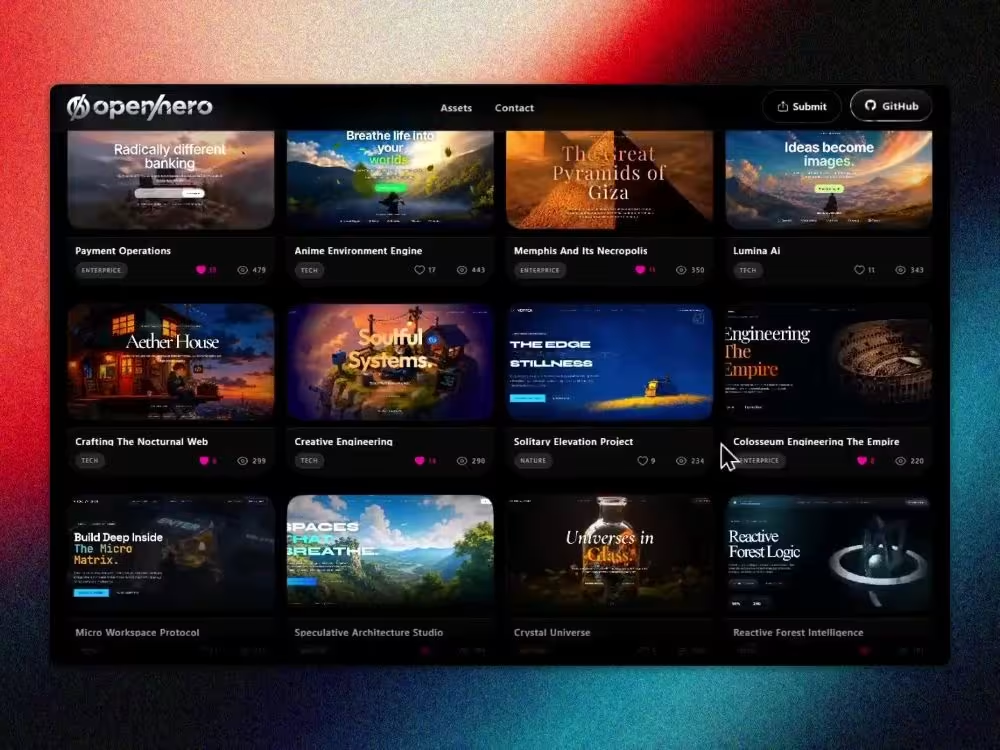
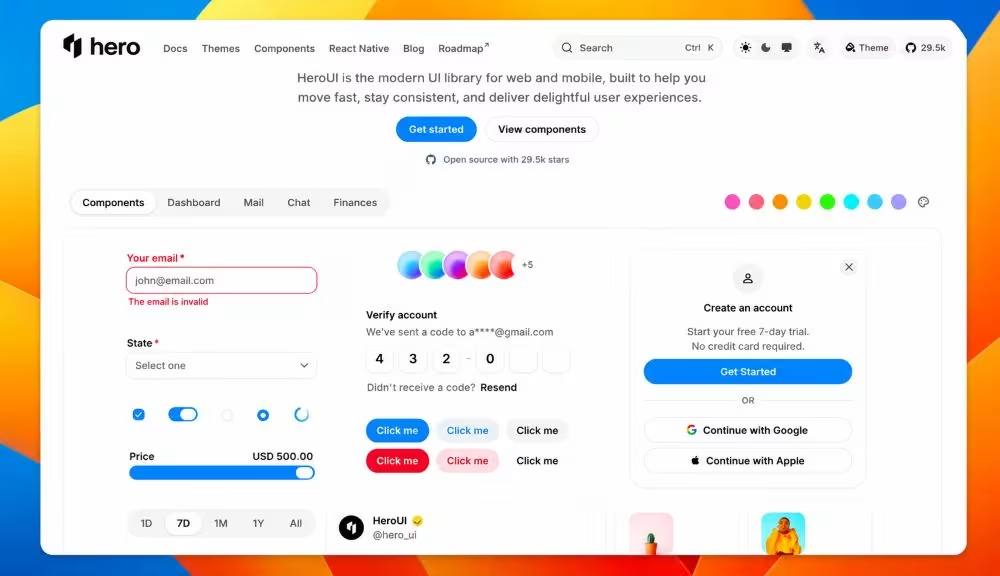
Polished image
static exports.
Perfect for your landing pages, social media, or changelogs. Export ultra-crisp mockups in one click.
Everything you need to ship
stunning demos.
Record, enhance, and export - cinematic results directly in your browser, no installs required.
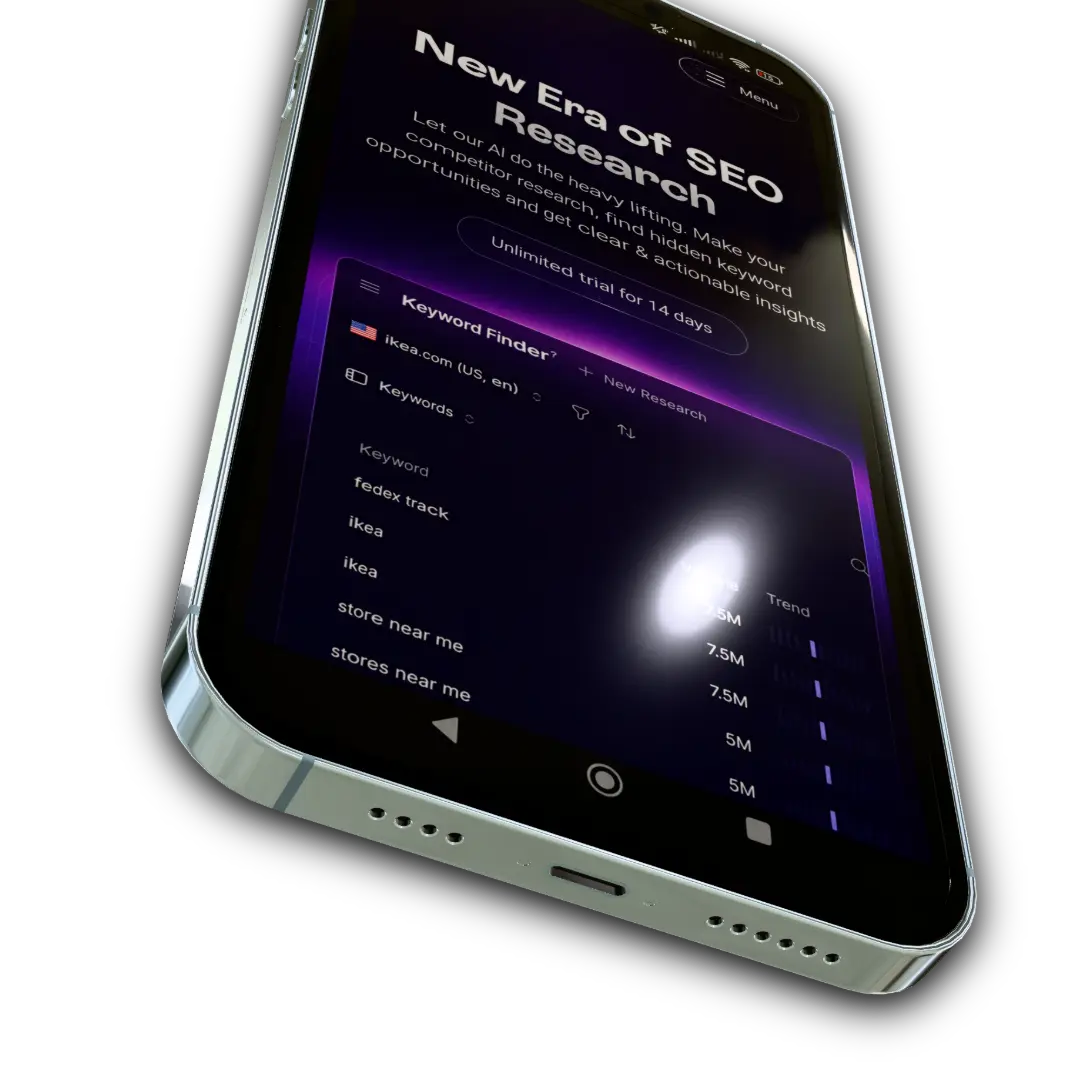
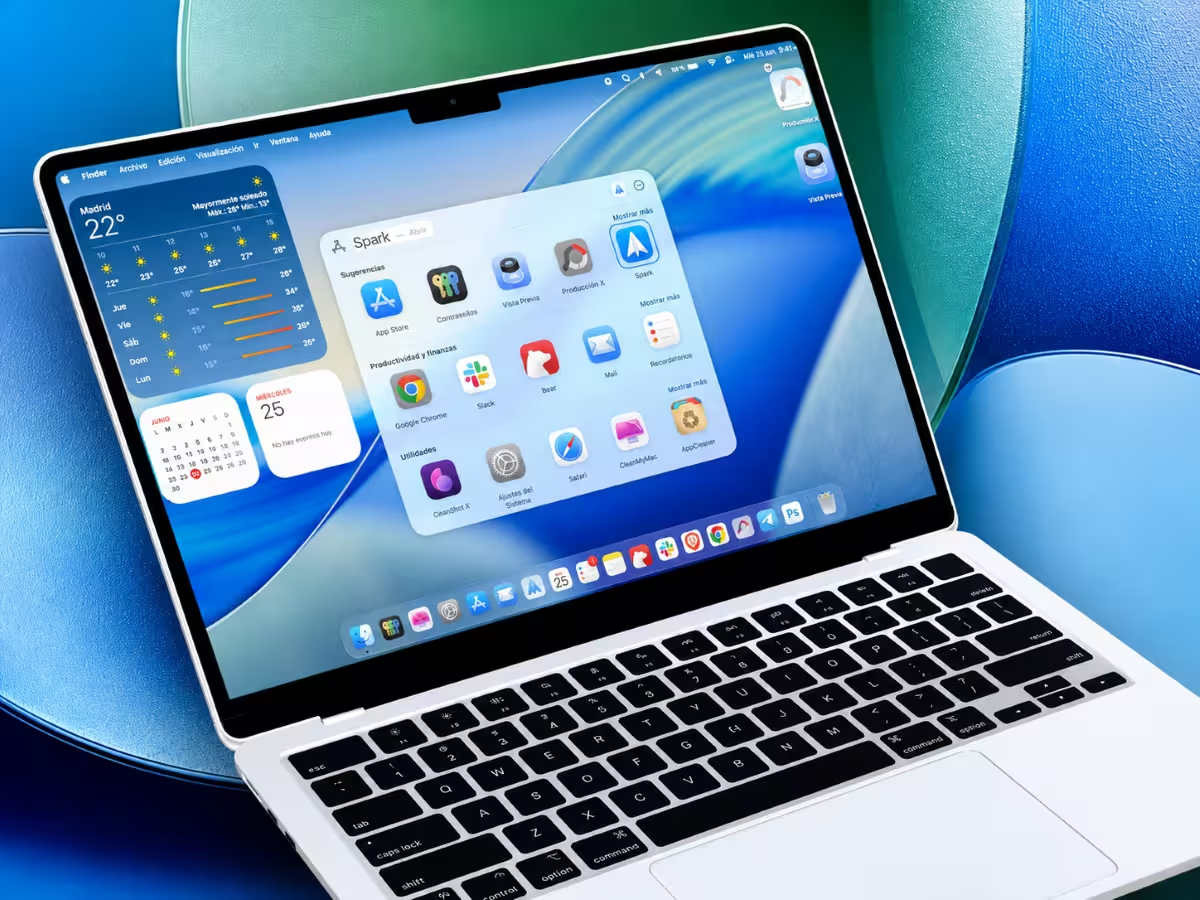
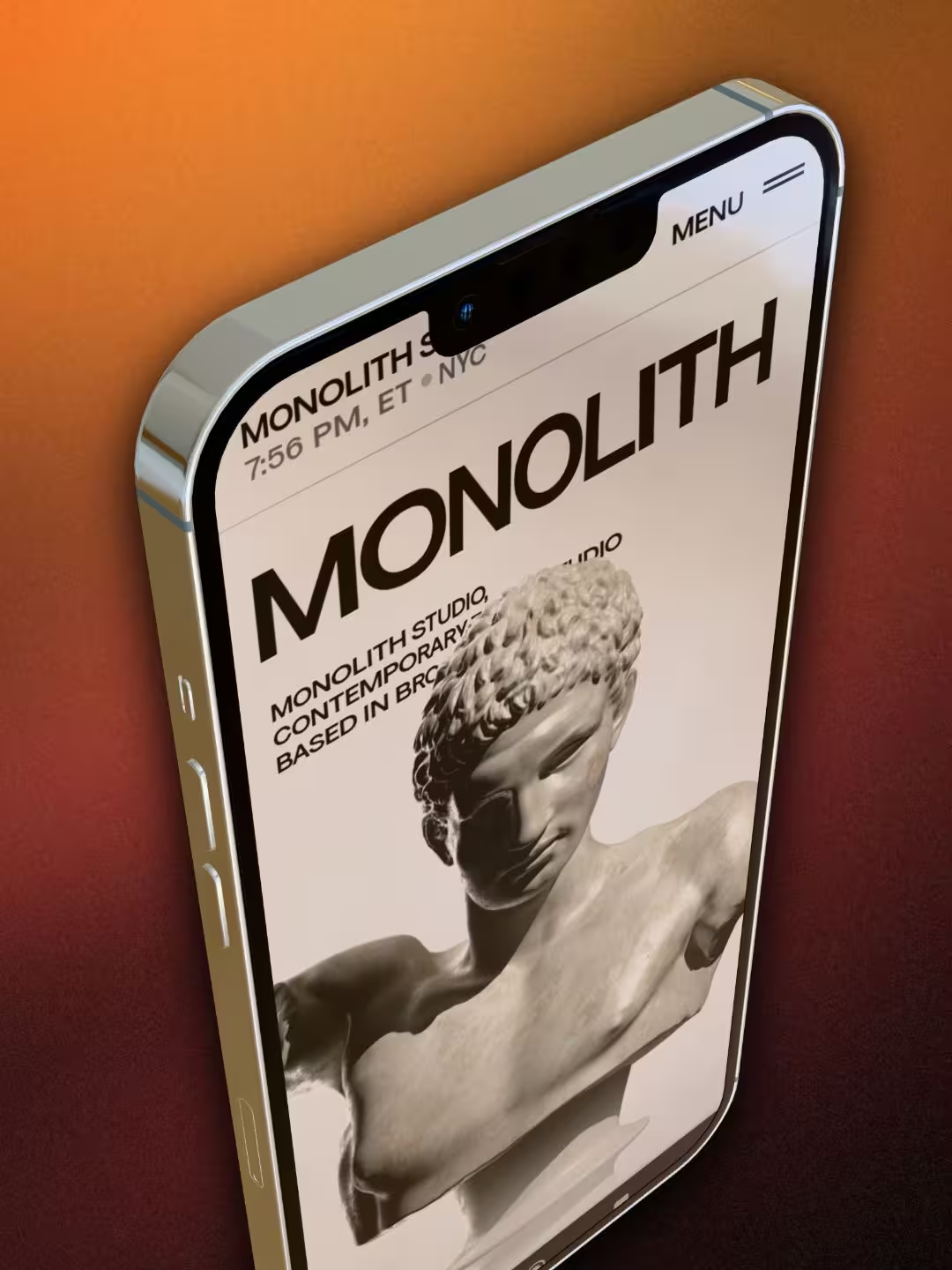
3D Device Mockups
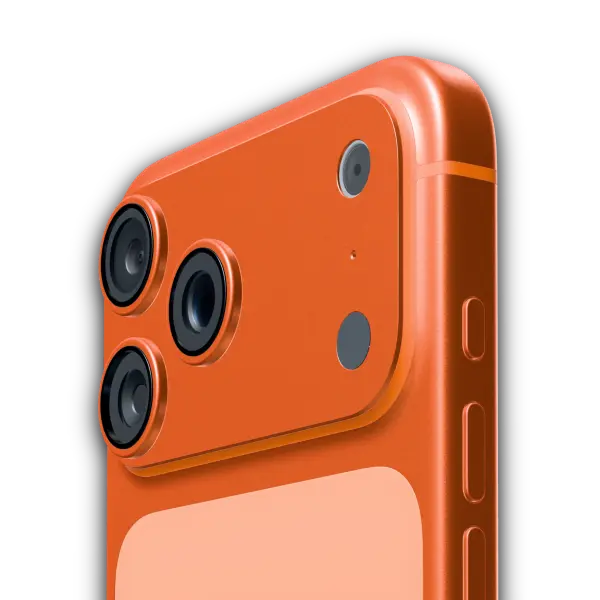
Wrap your screen recordings in hyper-realistic 3D device frames.
Transparency
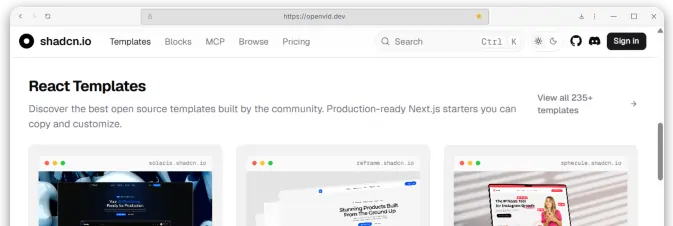
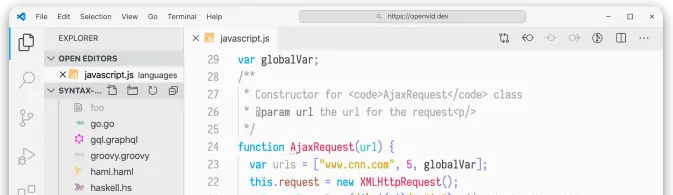
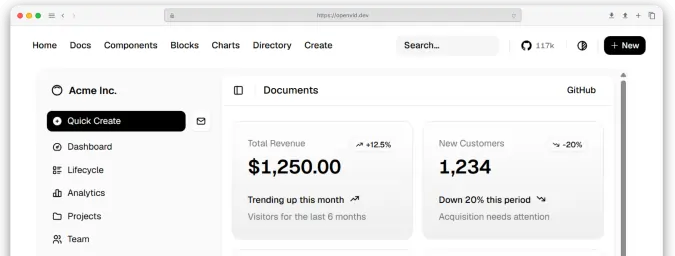
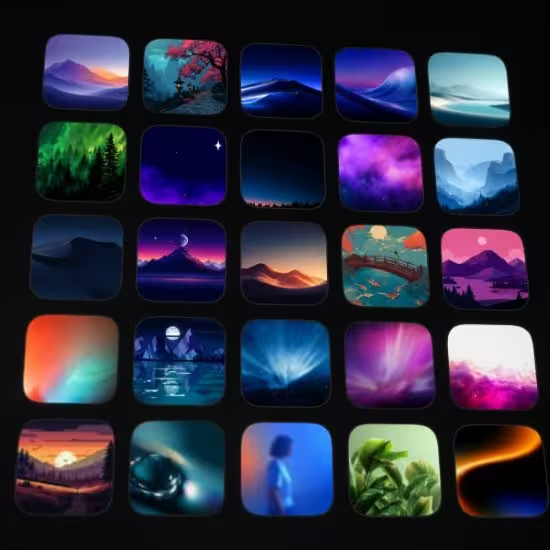
500+
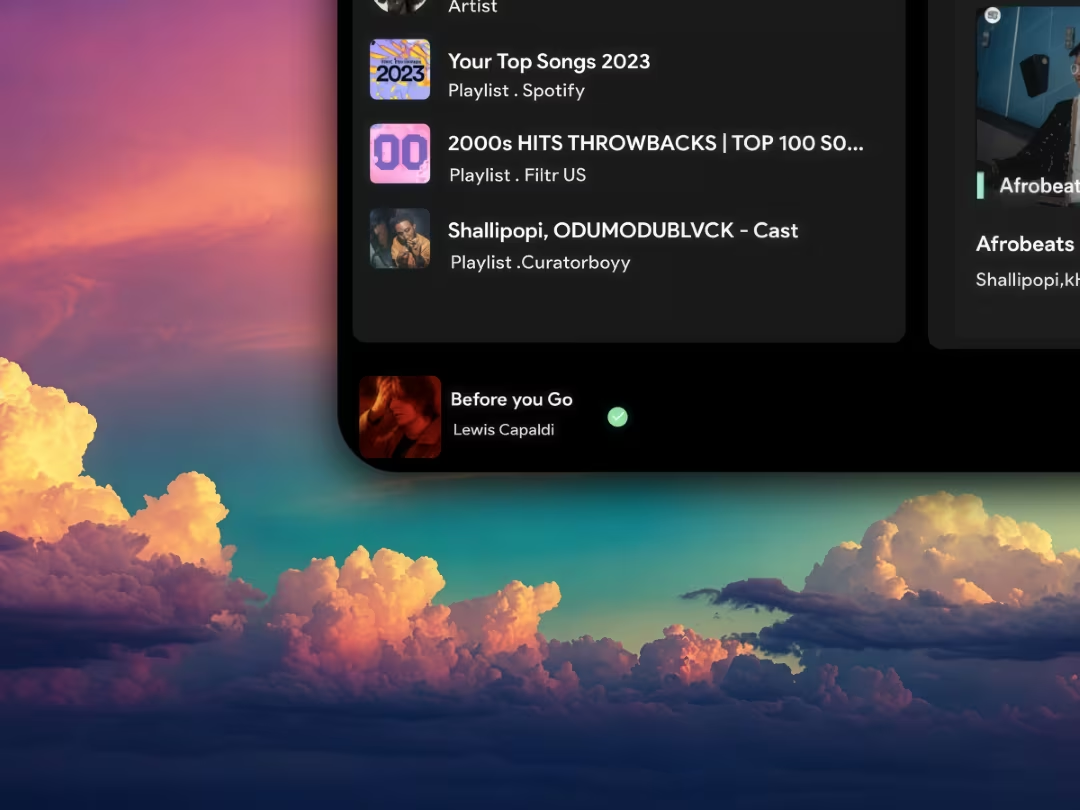
Backgrounds
Cinematic Zoom
Elements & Layers
Text OverlaySVG ShapesBlur Effects
Multi-track Timeline
Layer multiple videos, audio tracks, and zoom the canvas.
A price for every moment.
Two plans, the same complete features. Pick what makes sense for you — with a 7-day money-back guarantee.
Monthly
R$ 149,90/mo
Total flexibility. Cancel anytime, no fees.
- Every Xscreen feature, no limits
- Unlimited export in MP4, transparent WebM and GIF — the file stays on your computer, no cloud
- 3 personal devices
- Continuous updates
- Email support
Billed monthly at R$ 149.90. One-click cancellation from your dashboard.
Most popular
Annual
R$ 44,90/mo
Billed R$ 538.80 yearly.
Save 70%
- Every Xscreen feature, no limits
- Unlimited export in MP4, transparent WebM and GIF — the file stays on your computer, no cloud
- 3 personal devices
- Continuous updates
- Priority support
Billed R$ 538.80 once a year. Auto-renews — cancel anytime.
7-day money-back guarantee on any plan.
Frequently asked questions
Xscreen is a screen recorder and video editor for product demos. Record your screen (with webcam and microphone if you like), add cinematic zooms, 3D device mockups, backgrounds and elements, and export in up to 4K with no watermark. It runs on Mac, Windows and in the browser, with 100% local processing.
What is Xscreen?
Xscreen (xscreen.app) is a screen recorder and video editor for product demos, made in Brazil by AI First. Record your screen, add cinematic zooms, 3D iPhone and laptop mockups, backgrounds and webcam, and export in up to 4K with no watermark on Mac, Windows and in the browser. It is not XScreenSaver, not Android XRecorder, and not ScreenX.
Is Xscreen free?
Creating and editing is free, no sign-up required. To save and export you subscribe to the annual plan (R$ 538.80 per year, about R$ 44.90 per month) or the monthly plan (R$ 149.90). Every plan has a 7-day money-back guarantee.
Does it work on Windows and Mac?
Yes. There is an app for Apple Silicon Macs, signed and notarized by Apple, and an installer for Windows x64. You can also use the editor directly in Chrome, Edge or Brave without installing anything. It does not run on phones.
Are my videos uploaded to the cloud?
No. Recording, editing and rendering happen on your computer using WebAssembly and WebGL. Your video never leaves your machine, which makes Xscreen suitable for internal systems and customer data.
Does Xscreen add a watermark?
Never. Every export in MP4, WebM, GIF and image formats is watermark-free, in up to 4K at 30 fps.
Does Xscreen replace Loom or Screen Studio?
It does not replace Loom if you need a cloud link, comments and transcription. It does replace Screen Studio if your team is on Windows or you want to pay in Brazilian reais: Xscreen delivers cinematic zoom and 3D mockups on Mac and PC; Screen Studio remains macOS-only and bills in USD (US$ 9–20/month as of September 2026).
Can I record webcam and microphone together with the screen?
Yes. The webcam appears as a bubble (circle, squircle or square) wherever you place it, and the microphone and system audio are recorded together with the screen.